
Proofing
Clients pick their favorites. Downloads stay off until you review and release them.
CLIENT GALLERY FEATURES
Set up a gallery, choose how your clients get it, and let Viewdora handle the rest. Your clients get the Viewdora app. You get Studio, which keeps every gallery on track.
Start your free trialPick a delivery mode when you create a gallery. Change it on any gallery when you need to.
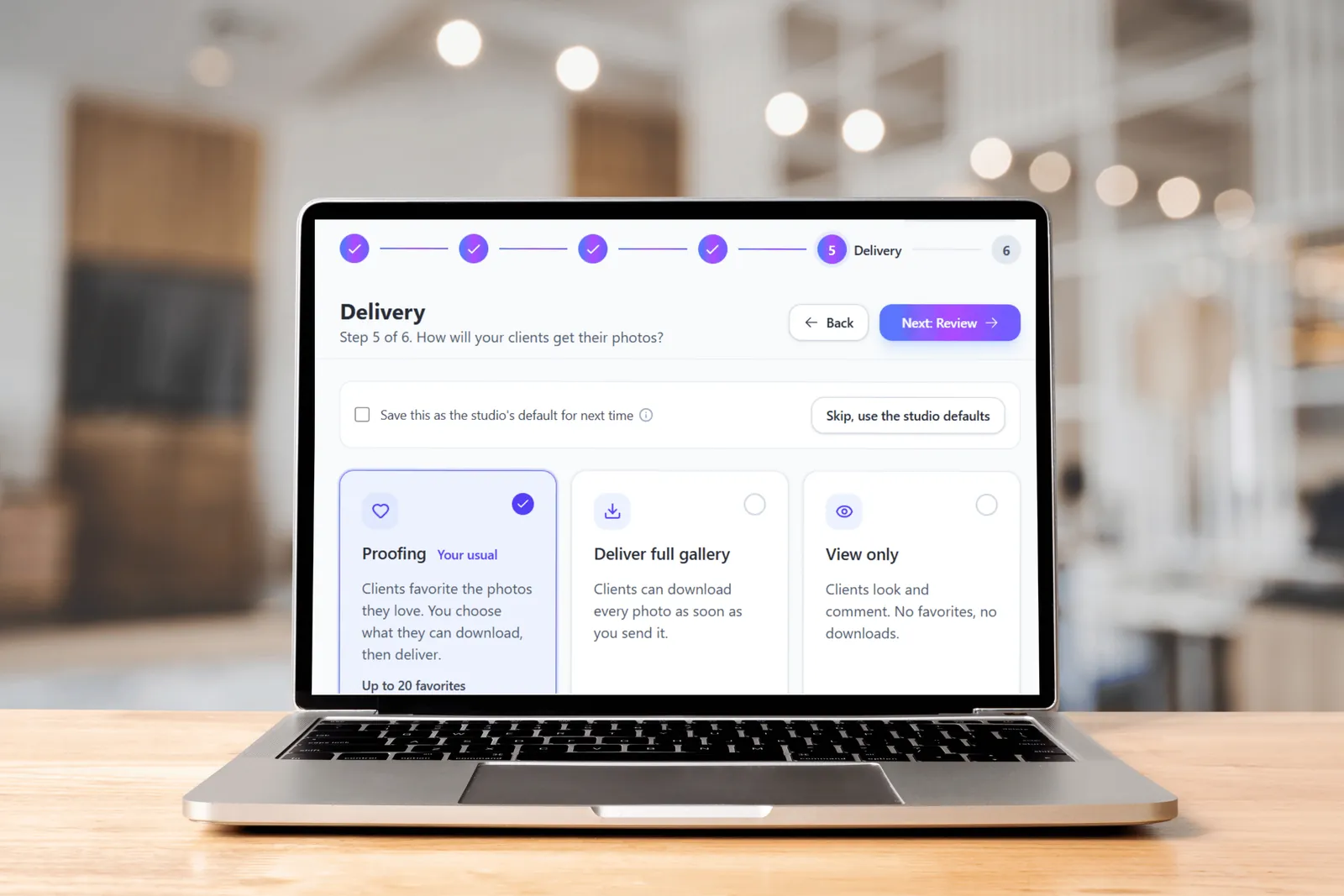
Clients pick their favorites. Downloads stay off until you review and release them.
Clients can download the whole gallery as soon as they open it. No approval step.
Clients can browse the gallery and leave comments. No favorites, no downloads.
Save your delivery mode, favorites limit, closing date, comments, and watermark. Every new gallery starts with them, and you can change any setting on a single gallery.
Use your studio watermark on every gallery, or set a different one for a single gallery. When you change it, clients see the new watermark in the Viewdora app within a few minutes.
Set how many photos a client can pick. If they want more, they can ask for a higher limit right in the Viewdora app.
Clients and your team can talk about any photo in its own thread. Unread markers show what's new.
Choose when a gallery closes after delivery. When the date comes, Viewdora can close the gallery, turn off downloads, or just send a reminder. You can extend or reopen a gallery anytime.
Photos download in the same order as your gallery. Clients can download one collection or everything at once, in web size or full quality.
When photos are ready, each client gets their own download link by email, so they can download from a computer too.
Every gallery has an activity view with one row per client, plus a full log of what happened.
See when each client last opened the gallery, how often they visit, and what they favorite and download.
See which device each action came from, plus any screenshot attempts on supported devices.
Download a gallery's full activity as a CSV file for your records.
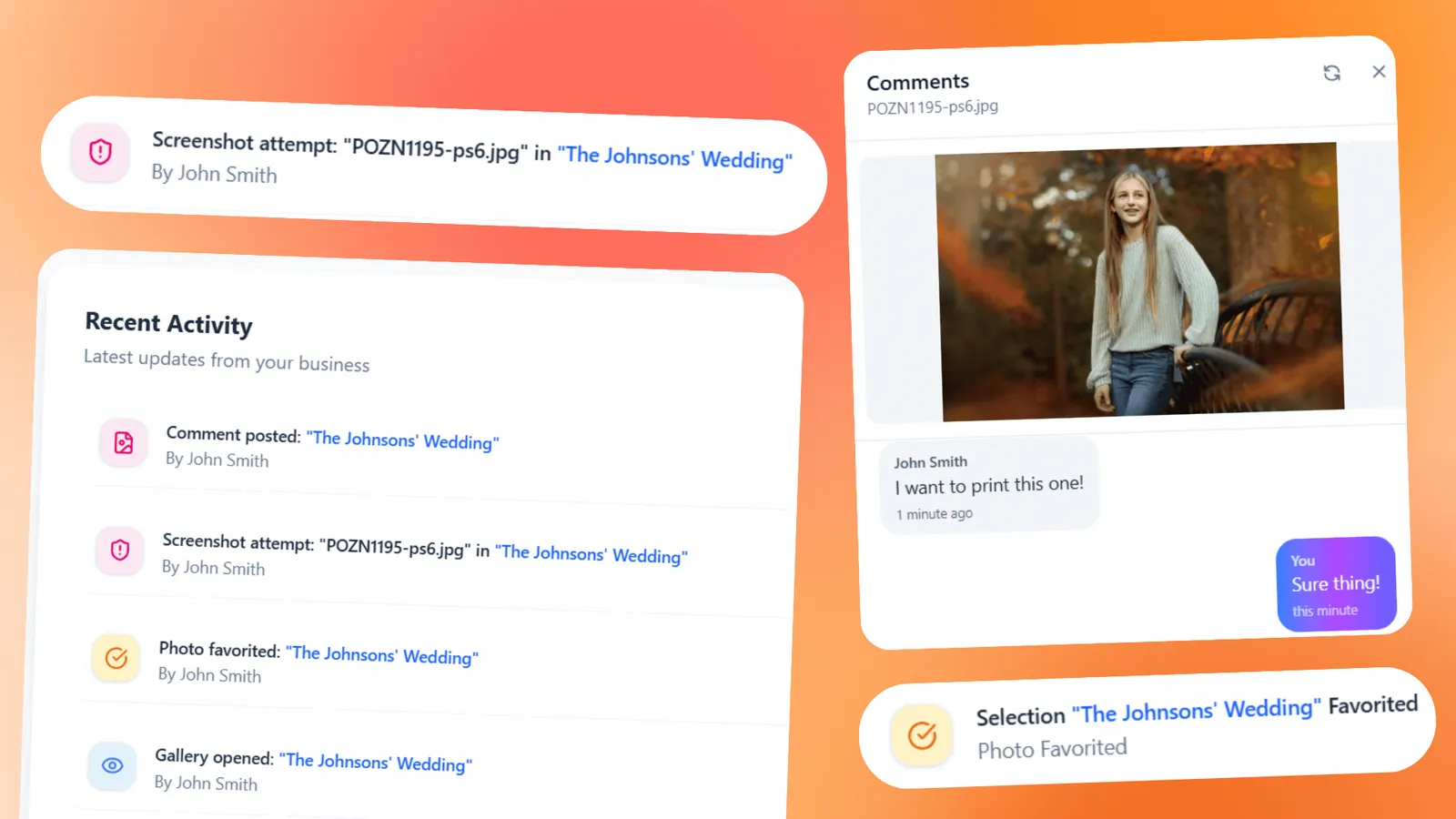
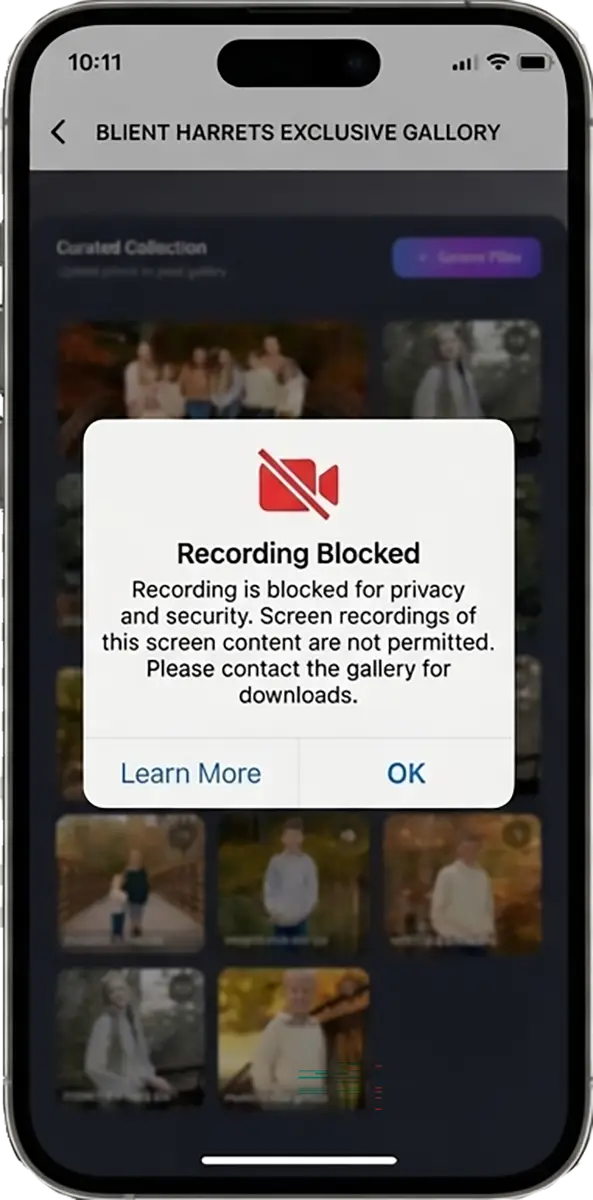
Viewdora's advanced screenshot protection helps stop screenshots and screen recordings while clients view their photos, on supported devices. No tool can stop every kind of capture, so attempts also show up in your activity.
Clients sign in to the Viewdora app with a one-time link sent to their email. No passwords to remember or reset.
Clients view, favorite, comment on, and download their photos in the Viewdora app for iPhone and Android. Photos load fast from servers around the world.
Manage galleries, clients, and your team in one place.
Use Studio, the Viewdora app, and Viewdora emails in English, Spanish, or Turkish.
See your plan, payment details, and invoices. Change or cancel your plan without leaving Studio.
A shared web link is easy to forward and hard to control. Viewdora gives each client a private gallery in the Viewdora app, with client gallery features built around how photographers actually deliver: proofing with favorites limits, photo comments, closing dates, and download approval when you want it. Clients sign in with a magic link, advanced screenshot protection works on supported devices, and you can see how every client uses their gallery. It's a photo delivery app for photographers who want delivery to feel simple for clients and stay in their control.
Start with a 14-day free trial. Create your first gallery and see what delivery feels like for your clients.
Start your free trial