
Can Clients Screenshot Your Online Gallery? What Photographers Need to Know
Yes, clients can screenshot your online gallery. Here's how photography copyright law protects your photos, and how to make previews far harder to steal.
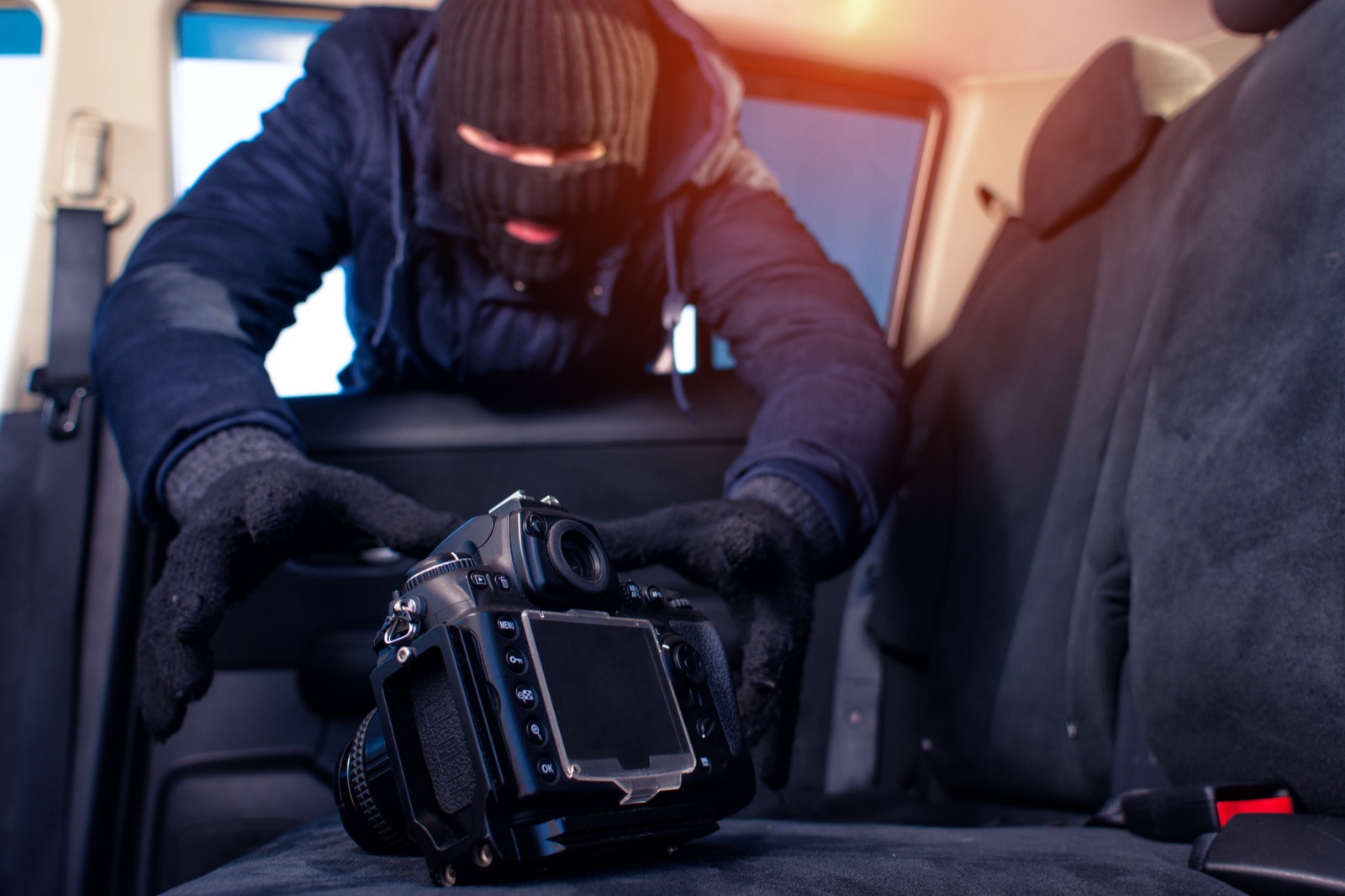
I feel like every photographer has experienced a copyright mishap in their career. You deliver a gallery, wait for the client to select their photos, and nothing comes in. Then, a few weeks later, you see your images on the client’s Instagram. Oftentimes, that image came from a screenshot of the preview online photography gallery, which is very simple to do, as every modern device is equipped with that function.
This happens more often than we talk about, and it’s getting easier to pull off. So, is there anything you can do about it? Of course, and in this blog post, I’ll discuss what.
Why a screenshot is more dangerous than it used to be
Screenshots are a built-in feature for every device. The operating system handles them, not the user’s browser. Unfortunately, no web browser can effectively and reliably prevent that.
This is a tale older than time, however. What’s changed is what happens after the screenshot is taken.
- Phones offer high-resolution screens nowadays. A screenshot from a recent iPhone or Android can produce something perfectly usable for social media.
- Watermark removal AI tools are also more accessible than ever. Many use inpainting, a technology that attempts to reconstruct the area behind the watermark. The results are not always perfect, especially with large or multiple watermarks, but they can be convincing enough for casual social media use.
Good news: copyright law is on your side
In the U.S., photography copyright law generally protects an original photo as soon as it is created and fixed in a tangible medium. Once you own that copyright, 17 U.S.C. § 106 gives you exclusive rights, including the rights to reproduce, distribute, and publicly display the image.
That means if a client screenshots an online photography gallery and posts unpurchased images without permission, that can be photo copyright infringement. Paying for a shoot does not automatically mean the client owns the photos. They only receive the rights granted in your contract, invoice, or gallery license.
Registration still matters. For U.S. works, registration is generally required before filing a photo copyright infringement lawsuit. And if you want access to statutory damages and attorney’s fees, timing matters: registration usually needs to happen before infringement begins or within three months after first publication for published works.
Under 17 U.S.C. § 504, statutory damages can range from $750 to $30,000 per infringed work, and up to $150,000 for willful infringement. Without timely registration, you may be limited to proving actual damages and the infringer’s profits, which can be harder and more expensive to show.
That said, most busy photographers are not going to register every single image they deliver. A more realistic approach is to register your most valuable client work, portfolio images, commercial shoots, and images most likely to be misused.
And from a business perspective?
The harder it is to access and buy images legitimately, the more tempting shortcuts become. Research from the Baymard Institute consistently finds that forcing clients to create accounts just to access their photos, along with complicated checkout flows, are among the top reasons buyers abandon purchases entirely. While client galleries are not the same as traditional e-commerce stores, the same basic principle applies: the more friction you add to the buying process, the more likely people are to abandon it. (Source: Baymard Institute)
Do you see where I’m going with this? An easy-to-use gallery platform is more beneficial to both the photographer and their client. A smooth delivery experience minimizes the drive for bypassing, unauthorized use, and all of the other burdens nobody wants to deal with.
Here are a few solutions
1. Use an online photo gallery for photographers with stronger screenshot protection
There’s a big difference between a simple warning message and technical screenshot protection. Here’s what the real thing looks like:
- Dynamic blur splitting: Some gallery delivery platforms blur half the image on mobile when you try to screenshot it. The blur shifts to whichever half you managed to capture, so you’re not supposed to get a complete image.
- OS-level blackout (desktop): intercepts at the display driver, so any screenshot tool or screen recorder just gets a black screen.
- Deliver your galleries on mobile: this is the best solution, as iOS and Android provide ways to prevent screenshots. We see this with apps famous for their screenshot tracking, such as disappearing photos on Instagram and Snapchat’s screenshot notifications.
So when you’re considering any gallery platform, ask whether the screenshot protection works at the OS level or just shows a warning message, because that difference matters.
2. Update your watermark strategy
If you’re sticking with watermarks, cover more of the image. Grid or overlay watermarks that span the frame are much harder for watermark removal AI tools to bypass without losing crucial information from the image.
3. Should you say it in the contract and the delivery email?
Some people would advise you that your contract needs to be explicit: you hold copyright, previews aren’t licensed for personal use or sharing, and screenshotting without purchasing is infringement. The problem with this strategy is that a lot of photographers build their business on being warm and friendly with their clients. Reiterating legal consequences too harshly at every step of your delivery could push clients away and break that trust you’re trying to establish. This is why it should be done in a friendly, non-threatening way.
4. Register your images, and use DMCA takedowns when it happens
Batch-register your images within three months of first publication or before infringement begins to preserve statutory damages and attorney fees. If a client does post your work without permission, Instagram, Facebook, and TikTok all have DMCA takedown forms, and it’s surprisingly faster than most photographers expect. (Source: U.S. Copyright Office Circular 42)
So, what’s the verdict?
Can clients screenshot your gallery? Yes. Can you stop every attempt? No. But a gallery setup with stronger screenshot protection that has app-level or OS-supported screenshot protection, smarter watermarks, passwordless delivery, a clear contract, and timely copyright registration definitely makes it harder to get a usable image without buying.
Curious what stronger screenshot protection looks like inside a gallery? Check out Viewdora’s security features for yourself.